Índice do artigofaltam 9 min de leitura
In Google's Gemini, the same video feature changes its name depending on the API, exists only in beta on Google Cloud and is off by default. Whoever prototypes on one entry point and moves to the other rewrites the call, and none of this shows up in a tutorial.
Anyone switching on Gemini video analysis in an application quickly finds out the problem isn't the prompt. Google offers the model through two entry points: the Gemini Developer API, accessed with an API key, and the Google Cloud platform, formerly Vertex AI, which the documentation now calls the Gemini Enterprise Agent Platform. Both describe the same feature with different rules, and neither page warns what changes on the other.
This article is the layer left out of the article on what video analysis unlocks for companies. There the subject is what it solves. Here it's what you need to check before writing your first call, and what will break afterwards.
Text reviewed on November 11, 2026 against the current pages. Two things changed since September: Google Cloud started documenting the same Interactions API call form, and both documentations now agree that navigation mode is off by default. The rest still applies and is marked with the reading date.
Article summary
- The field that turns on navigation mode depends on the API:
processingin the Interactions API andmediaProcessingin Google Cloud's GenerateContent API. - On Google Cloud the feature only exists in
v1beta1, and on both entry points it's off by default. - A file sent through the Files API is deleted in 48 hours, which decides how you reprocess.
- The response brings six separate consumption counters, and they're how you measure real cost instead of estimating it.
The same feature has two names depending on the API
Start here, because this is the mistake that costs an afternoon. In the Gemini Developer API, navigation mode is turned on by a field inside the video part of the call, in the Interactions API. The official example already comes with background execution:
interaction = client.interactions.create(
    model="gemini-3.8-flash",
    input=[
        {"type": "video", "uri": video_file.uri,
         "mime_type": video_file.mime_type,
         "processing": "agentic"},
        {"type": "text", "text": "What are the three main arguments?"},
    ],
    background=True,
)
On Google Cloud, the GenerateContent API turns on the same feature with a different field, at the same level as fileData, and the official example includes an explicit reasoning level:
{ "contents": [{ "role": "USER", "parts": [
    { "fileData": { "mimeType": "video/mp4", "fileUri": "gs://my-bucket/lecture.mp4" },
      "mediaProcessing": "AGENTIC" },
    { "text": "Summarize the main points." } ] }],
  "generationConfig": { "thinkingLevel": "MEDIUM" } }
Examples adapted from the video understanding documentation of Google's two entry points, read on September 10, 2026 and checked again on November 11, 2026. Documented capability, not executed code.
It's "processing": "agentic" on one side and "mediaProcessing": "AGENTIC" on the other, with different objects around them. In September this difference separated the two entry points. On the November re-read, the Google Cloud page also showed the Interactions API, with the same processing field as the Gemini Developer API. The split is now between APIs: whoever uses Interactions on both entry points writes the field the same way, and whoever already has GenerateContent code in the cloud uses the other name.
Even in Interactions, the cloud call isn't a copy. The client is now created with a project and region, the endpoint is Google Cloud's v1beta1 one and the REST body wraps the parts in a user input item. Moving from one entry point to the other is still rewriting the call, not swapping a credential.
In the cloud it's in v1beta1, and on both entry points it's off
The most expensive difference isn't syntax, it's the default stance. The Google Cloud documentation highlights, on the page itself, two sentences that decide whether this can go into production now:
In September, the other entry point said the opposite about the default: the guidance was to start with navigation mode. As read in November, the Gemini Developer API documentation fell into line. All video uses static processing by default, on all models, including Gemini 4, and navigation mode is an option someone needs to turn on. The page also gives the selection criterion: static for clips under five minutes and summaries of the whole video; navigation for videos over five to ten minutes and questions about a specific moment or topic. Whoever measured cost in September following the old guidance may have compared different configurations without noticing.
The practical message for those operating in the cloud has two parts. The first is that v1beta1 carries the usual unstable contract: a field can change its name, behavior can change between versions. The second is that, being off, the feature doesn't enter your measurement unless someone explicitly turns it on, and a cost comparison made without that is comparing static mode with itself.
What goes in: four paths, and a cap the page itself contradicts
There are four ways to give a video to the model, with different limits.
| Path | Declared limit | When it fits |
|---|---|---|
| Files API | 2 GB per file as the practical limit (the video page table says 20 GB on the paid tier and 2 GB on the free one; the Files API page says 2 GB per file and 20 GB per project) | Large files, long videos, reuse across several questions |
| Cloud Storage | 2 GB per file, no storage limit | An archive that already lives in the cloud and needs to persist |
| Inline data | Under 100 MB per the table, under 20 MB per the prose | Short clips, single use |
| YouTube URL | Public videos only, up to 10 per request | Public material, without your own ingestion |
Upload methods according to the Gemini Developer API documentation, read on September 10, 2026 and checked on November 11, 2026. Google's two pages disagree on the Files API limit: the video page mentions 20 GB on the paid tier and 2 GB on the free one, and the Files API page mentions 20 GB of storage per project with a cap of 2 GB per file. Until confirmed, size each file at no more than 2 GB. The free tier has an additional cap of 8 hours of YouTube video per day; the paid tier states no duration limit.
The third row is the one that deserves attention, because the discrepancy is within the same page. The methods table gives a 100 MB cap for inline data, and the prose just below says this path is suitable for videos under 20 MB of total request size. Whoever sizes ingestion with the larger number discovers the smaller one in production. Treat 20 MB as the practical limit, and confirm in writing if your case gets close to it.
The YouTube restriction also disappears from tutorials and reappears in the first serious test: public videos only. Unlisted videos don't go in, which rules out from the start the idea of using YouTube as a private repository for internal material. As read in November, input via YouTube URL is still marked as Preview, free of charge, with pricing and limits the page itself says will change.
Your file disappears in 48 hours
This is the sentence in the documentation that changes architecture the most, and it fits in one line: files uploaded through the Files API are automatically deleted after 48 hours. The sentence was still there on November 11, 2026.
This isn't a problem when the flow is upload, ask, store the answer and move on. It becomes a problem in two common cases. The first is reprocessing: if the question changes the following week, or if you want to rerun an analysis with another prompt, the file is no longer there and the cycle starts over, with the transfer and processing time again. The second is auditing: an answer stored last month that references a file already deleted can't be rechecked against the source.
The documented way out is the other input path. Material that needs to survive reprocessing stays in your own storage, and the call points there. It costs more in storage and removes the deadline dependency.
Long video drops the connection, and the documentation says what to do
The documentation states, without euphemism, that on long videos and complex prompts processing with navigation takes longer, and recommends two ways out: streaming the response or background execution. The stated reason is to keep the connection alive and avoid connection or authentication errors from timeouts. The November version details the symptom: synchronous requests without streaming, when the server retries under high demand, can outlast the connection or authentication token validity and show up as a 401 Unauthorized error or a timeout. Whoever sees an unexpected 401 on a long video tends to look for a credential defect, when the cause is the call design.
It's worth translating this into a design decision. A synchronous call waiting for a response on a ninety-minute video is an architecture mistake, not a network problem. The path that survives is asynchronous end to end: the application registers the request, returns an identifier, processes in the background and notifies when it's done. The same documentation notes that streaming mode also exposes the intermediate reasoning steps and tool-use progress, which is useful for monitoring, not for auditing.
The six counters that tell you what you consumed
The Interactions API response brings consumption separated into six counters, and that separation is what lets you measure instead of estimate.
- Input (
total_input_tokens), what was loaded as context. - Output (
total_output_tokens), the generated text. - Thinking (
total_thought_tokens), where the timeline navigation reasoning goes. - Tool use (
total_tool_use_tokens), the frames, audio and transcript loaded on demand. - Cached content (
total_cached_tokens), what came from material already stored. - Total (
total_tokens), the sum.
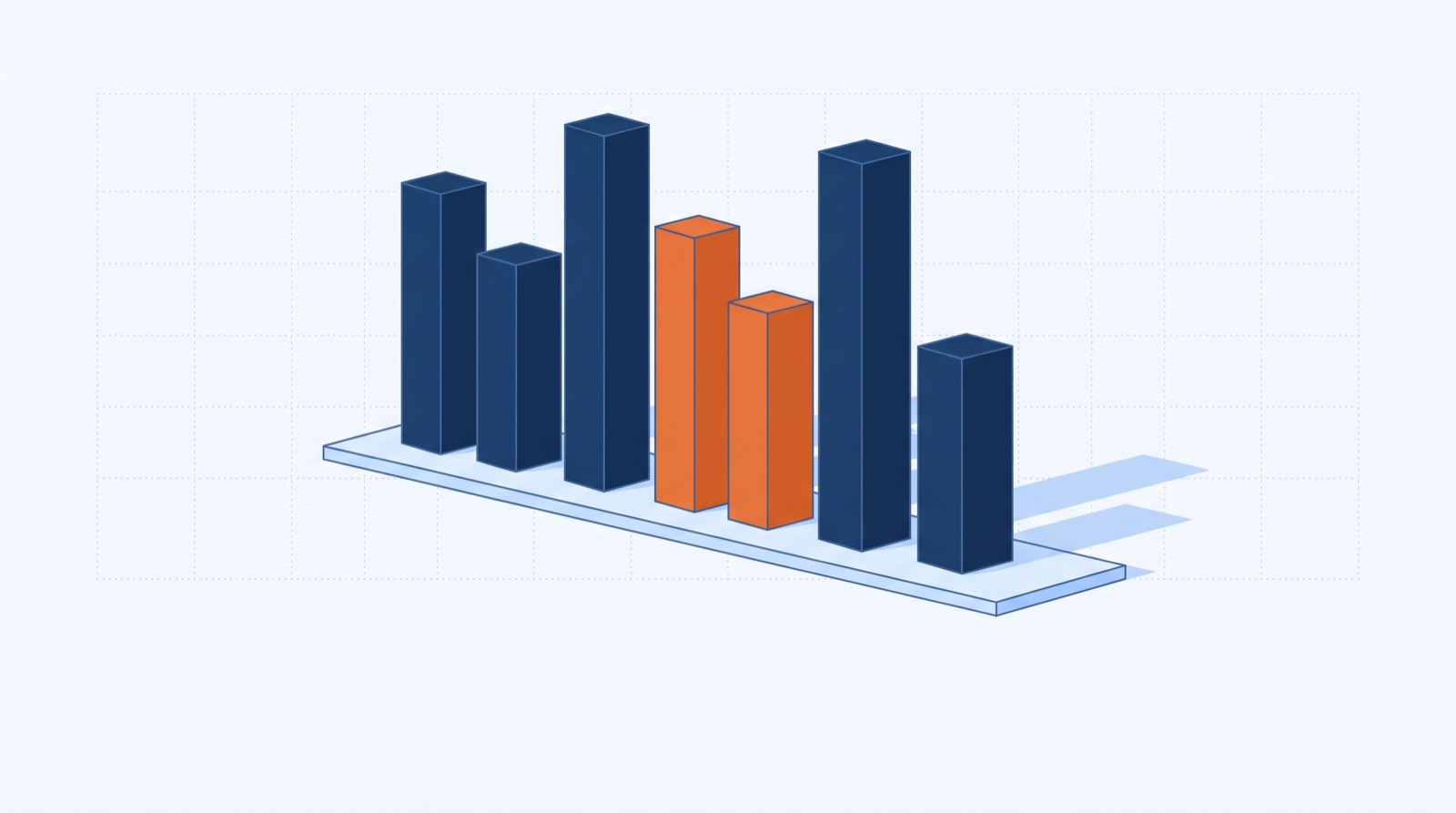
Thinking and tool use, the two in the middle of the list, are the ones navigation mode feeds, and they're what explain why token savings don't turn into proportional money savings. The November documentation says this from another angle: on a short clip or a broad question, static mode avoids precisely these thinking and tool-use tokens. That calculation has its own article, how much it costs to process video with AI.
There's a gap worth declaring instead of working around: the pages read don't say how the tool-use total is billed. As read on November 11, 2026, the Gemini 3.8 Flash price table names input, output including thinking, cache and search, and doesn't name tool use. Anyone building a cost model needs to settle this point with the vendor before turning an estimate into a budget.
What the timestamp means depends on the sampling rate
A small detail that produces a silent bug. On Google Cloud, the timestamp format changes with the sampling rate: for one frame per second or less, it's minutes and seconds, with hours in front past sixty minutes; above one frame per second, the fraction of a second comes in.
The consequence is that a time reference returned under one configuration doesn't mean the same under another, and a system that stores these values without also storing the sampling rate used produces, months later, timestamps nobody can reproduce. The same rule applies to interval clipping and custom rates, and here the entry points also diverge: on Google Cloud both go inside the video metadata (videoMetadata), while on the Gemini Developer API they go inside the processing object itself, with start and end offsets and the fps argument, and, on this entry point, clipping and fps only apply in static mode (processing with type equal to "static"), not together with navigation mode.
The integration skeleton, and where it breaks
The snippet below is pseudocode. None of it was executed and it's not production code: it exists to show the order of operations and the failure points that a documentation example leaves out.
1. authenticate on the server, never on the client
2. upload the file and wait for the state PROCESSING to become READY
3. create the interaction with the video, the question and an EXPLICIT processing mode
4. for long video, use streaming or background execution
5. validate the output against a schema before any use
6. record the six counters and the model version alongside the result
7. if the output asks for review, queue it for a person
8. never trigger an external effect directly from the response
9. on failure, an idempotent retry with a cap on attempts
The points that break in practice are the second, the fourth and the ninth. The second because the file isn't ready right away and a wait loop with no limit jams the queue. The fourth because the synchronous call expires. And the ninth because, without an idempotency key, a retry after a timeout generates a second, billed processing of the same request.
Storing the model version alongside the result, in step six, looks like bureaucracy and is what lets you explain, months later, why the same question started returning something else. The list of models that support the feature changed between the announcement and the documentation, changed again by November and today isn't even the same on both entry points: the Gemini Developer API cites Gemini 4 Carbon, Gemini 4 Argon, 3.8 Flash, 3.6 Flash and 3.5 Flash Lite, and Google Cloud adds 3.7 Flash and variants aimed at cybersecurity.
Frequently asked questions
It depends on the API, not just the entry point. In the Interactions API the field is 'processing' with the value 'agentic', inside the video part, and, as read on November 11, 2026, the Google Cloud documentation already shows the same form. In Google Cloud's GenerateContent API the field is 'mediaProcessing' with the value 'AGENTIC', next to fileData. Code written for one API doesn't run on the other without rewriting the call, and even in Interactions the client and the endpoint change between entry points.
No, on neither entry point, as read in November 2026. The Gemini Developer API documentation says all video uses static processing by default, on all models, and treats navigation mode as an option. Google Cloud's says the same and adds that the feature only exists in v1beta1, not v1. In September the two pages disagreed about the starting point.
Through the Files API, the documentation states that files are automatically deleted after 48 hours. That decides the reprocessing architecture: past that deadline, asking again about the same video means uploading the file again. Those who keep the archive in Cloud Storage don't have this problem, and the documentation lists both input paths.
The same official page gives two numbers. The upload methods table says inline data works for files under 100 MB; the prose says this path is suitable for videos under 20 MB of total request size. Treat 20 MB as the practical limit and confirm in writing before sizing an ingestion.
The response exposes six separate counters: input, output, thinking, cached content, tool use and total. In navigation mode, the exploration reasoning goes into thinking and the frames, audio and transcript loaded on demand go into tool use. That's what lets you measure instead of estimate.
The documentation itself notes that processing with navigation takes longer on long videos and complex prompts, and recommends streaming or background execution. It adds that synchronous requests without streaming, when the server retries under high demand, can outlast the connection or authentication token validity and show up as a 401 error or timeout. It's not a network failure, it's a characteristic of the mode.
Sources and method
Everything here comes from a direct reading of Google's public documentation. The first reading, on September 10 and 11, 2026, covered the video understanding pages of the Gemini Developer API and Google Cloud, the tokens page, the media resolution page and the Files API page. The November 11, 2026 review re-read the two video pages (Google Cloud's with a last recorded update of November 10, 2026), the tokens page, the pricing page and the Files API page. The two call snippets are adaptations of the official examples, and the integration skeleton is pseudocode written for this article.
Nothing was executed. No API call was made, no video was processed and no response time was measured. Where the documentation is silent, the text says it's silent and doesn't fill the gap: that's the case for how the tool-use counter is billed.
API versions, parameter names, upload caps and release stages change without notice, and this text already needed a review two months after publication. Check against the current documentation before using any number here as a contract criterion.