Índice do artigofaltam 11 min de leitura
SAP Business One has issued Brazilian tax invoices for years. The invoice the company receives is a different problem, and the product's public documentation describes no component that fetches it from the official source.
Teams that discover this usually take the shortest path. When Business One runs on Microsoft SQL Server, the database is an engine the development team knows, the incoming invoice table is right there, visible, and writing directly is the cheapest decision of the first month and the most expensive of the second year.
Anyone quoting this integration needs two answers before any estimate: what the Brazilian localization already covers and through which interface SAP commits to maintaining what gets written. The public documentation answers both.
Article summary
- Business One already comes ready for the invoice the company issues. For the invoice it receives, the public documentation describes no product component that fetches it from the official source: someone needs to cross that boundary, and that's project scope, not configuration.
- SAP has the component that does this fetching, with a dedicated document distribution process. Its scenario and integration pages list only SAP's own enterprise ERPs as source systems.
- Writing directly to the database isn't blocked by the product, and that's exactly why it's risky: SAP classifies it as a data corruption risk, states it won't be supported and ends with "Use at your own risk".
- Since a 2026 update, the official integration path notifies on its own when an ERP business object is created or changed, instead of requiring periodic polling. This changes the project's design, and doesn't replace capture at the official source.
The database is SQL Server, and that doesn't authorize writing to it
The Service Layer, the product's HTTP integration path, has run on Microsoft SQL Server since Business One 10.0 PL01, according to the revision history of the component's own manual. That answers an infrastructure question and doesn't answer any architecture question.
Feature parity didn't all arrive in PL01: automatic exposure of custom SQL views on SQL Server is documented from PL02, and the configuration controller arrived in PL00 for the HANA version and in PL02 for the SQL Server one. Assuming equivalence between the two engines because of one support line is an assumption that surfaces in the middle of the implementation.
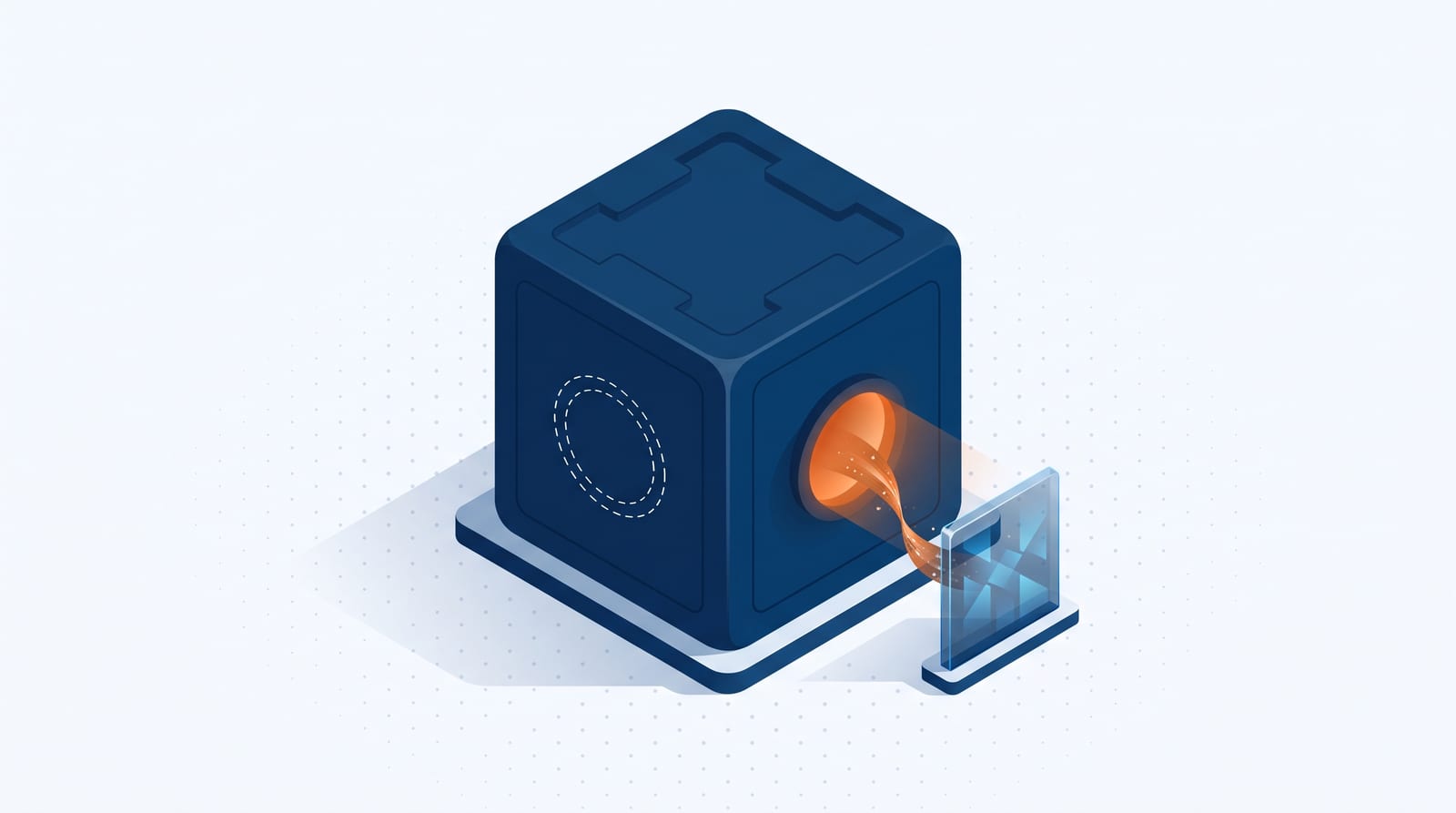
Having the database on a familiar engine is like having the building key: it shows you can get in, not that this is the entrance. The difference between the two doors shows up when someone applies a patch. The supported one is a contract; the side one is a convenience nobody promised to maintain.
SAP doesn't block writing to system tables, and that's worse
The SDK documentation, under the Recordset object, says data manipulation operations are "acceptable" only for user tables. About system tables, it doesn't prohibit them: it classifies such writes as a high risk of data corruption, states it won't be supported and ends with "Use at your own risk."
The distinction changes when the problem shows up. What SAP really blocks are structure-definition actions, that is, creating, dropping, altering and truncating tables, and the reason is stated: when updating the product, the application ignores user tables that weren't created through the appropriate metadata objects. Writing to system tables, on the other hand, runs. It works on the day someone writes and sends the bill on the day of the version upgrade.
One detail of the same object works in your favor: before running the query, it validates the user's permission, the same one that applies inside Business One, and blocks it when that permission doesn't exist. The page's explicit recommendation is to use the appropriate integration objects for the other business objects.
What Business One's Brazilian localization covers
The Brazil localization exists and is complete for the country's tax vocabulary: CFOP and CST (Brazil's transaction and tax status codes), invoice numbering, CNAE (the official business activity code), state registration per branch, tax types and codes, withholding at source, item classification, tax code determination, dedicated tabs on purchase and sales documents, SPED Fiscal (Brazil's digital tax bookkeeping) and tax calculation tools.
| Area | What the public documentation describes |
|---|---|
| Tax master data | CNAE, state registration per branch, CNPJ (the company tax ID), tax types, categories and codes, withholding at source |
| Item classification | Service codes and groups, material groups, NCM and DNF |
| Documents | Invoice numbering sequences by document type, invoice and non-invoice tabs in purchasing and sales |
| Tax calculation and reports | SPED Fiscal, tax calculation tool, tax and inventory reports |
| Electronic documents | An electronic invoicing topic that refers to support notes, and an electronic document monitor |
Source: "Localization for Brazil" deliverable for SAP Business One 10.0, on the SAP Help Portal, checked on September 8, 2026.
What's missing isn't the Brazilian tax vocabulary. It's the front door: the component that goes to the official source and brings back the document the company received.
SAP has the capture component, and it's documented for other ERPs
SAP has a product that does exactly this capture in Brazil. It's called SAP Document and Reporting Compliance, inbound invoicing option for Brazil, lists among its functions downloading NF-e (Brazil's electronic goods invoice) through the recipient acknowledgment feature with SEFAZ (the state tax authority), and has a dedicated DF-e Distribution process. That product's supported business scenario and integration pages list only SAP S/4HANA and SAP ERP as source systems.
On the Business One side, a search of the help portal's official index, in English and Portuguese, for SEFAZ, DF-e, NFS-e, recipient acknowledgment, incoming invoice and XML download returns no receiving component. The support notes SAP itself cites for NF-e in Brazil require login, and were left out of this reading.
The Brazil localization itself documents fields added to standardize reading by external add-ons, in item master data, company details, business partners and invoice documents: it's SAP designing for a third party to read. In the opposite direction, the Peppol protocol isn't available in the localizations that include Brazil, and the integration of document information extraction with the import wizard applies to all localizations except Brazil, Argentina, Costa Rica and Guatemala.
Four traps that look like capture and aren't
Anyone searching the product finds four names that seem to solve the problem. None of them talks to SEFAZ.
- Authorization to Retrieve NFe from SEFAZThis field exists in the business partner master data and, since FP 2608, also in the employee master data. It looks like capture and isn't: it's the authorization data recorded on the invoice the company issues, the equivalent of the authorized third-party tag.
- Electronic Document Import WizardIt exists and processes received electronic documents. Its protocols are document information extraction, Peppol, a generic format and manual upload. It requires the electronic document service, and the two relevant protocols are excluded from the Brazil localization.
- PDF extractionIt works in Brazil through the original scenario: someone copies the file to a folder and the system processes it, generating a draft vendor invoice. It reads PDFs and images, is sold separately, and doesn't discover anything at the official source. Someone already needs to have the file.
- Generic XML importThe general electronic documents guide describes import with partner identification by CNPJ, but its own introduction warns that, for localizations with customized functionality, the generic solution may not apply, and lists Brazil among them.Check in your version
The boundary between the official source and the ERP needs to be crossed by someone: a partner add-on, your own application or a tax provider with a connector. That's the architecture decision, and it comes before any discussion about language.
And the three options aren't as clean as the list suggests, because the third may contain the first. Qive, a tax provider that integrates with several ERPs, states two different wordings for two different SAPs on its own integrations page: "Native Qive and SAP ECC integration at scale" and "Enable the native Qive and SAP S/4Hana Cloud integration" on one side, and "Integrate Qive and SAP Business One via Invent and Skill" on the other. The FAQ on the same page settles the distinction, saying the integration is native "directly in SAP ECC or SAP S/4HANA, and with partners for SAP Business One".
Phrases read on qive.com.br/integracoes and qive.com.br/integracoes/sap on September 9, 2026, translated from Portuguese. The pages don't state an update date. No partner add-on was evaluated for this article, and citing a vendor's stated design is not evaluating it.
Service Layer to integrate from outside, DI API to run inside
There are two supported paths: the Service Layer, which exposes business objects over HTTP, and the DI API, which runs alongside the environment, on Windows. The choice isn't aesthetic: it decides where the component runs, who maintains version compatibility and what happens when an operation is interrupted midway.
| Interface | When it fits | What to check first |
|---|---|---|
| Service Layer | Integration done from outside the server, with business objects exposed over HTTP | Version, installation, metadata, authentication, license and network route |
| DI API | A component that runs alongside the environment, on Windows, with access to objects the HTTP layer doesn't expose | Runtime, version compatibility, technical account and agent deployment |
| Direct SQL on system tables | Not a supported shortcut, for the reason in the previous section | Confirm with the partner which supported object covers the case before considering this path |
Sources: SAP Business One 10.0 Service Layer API reference and SDK documentation, Recordset object, checked on September 8, 2026.
Service Layer: OData v4, the route change and what it doesn't do
Starting with Feature Package 2405, OData version 3 is deprecated and version 4 is the Service Layer's main protocol. Deprecated isn't removed: the documentation says v3 remains supported for compatibility and recommends the transition. What changes is the route prefix, not just the library.
The objects relevant to an incoming flow are exposed as their own sets: purchase invoices, described in the documentation as "a request for payment", purchase orders and payment terms types. That description is useful in the conversation with finance: the object the integrator creates is a request for payment, not a payment.
What it delivers
- Business objects over HTTP, with no component installed on the integrator's machine
- Metadata shared with the DI API, which makes it easier to migrate from add-on to API
- Flexible SQL queries on both database engines since FP 2011, normalizing syntax differences between them
- Webhooks from FP 2602
What it doesn't do
- It doesn't keep a user transaction across requests, so idempotency is your application's job
- It doesn't support direct SQL execution through the recordset object
- It doesn't support XML import and export
- Newly created user-defined objects only become accessible after restarting the service
The limit with the biggest operational consequence is the lack of transactions across requests: a timeout that fires after the write has happened leaves the application not knowing whether it wrote. The right response is to query by external reference and reconcile, never to resend.
Webhooks since FP 2602 change the integration design
Starting with Feature Package 2602, the Service Layer supports webhooks, meaning it notifies on its own when a business object is created or changed. For anyone who designed the integration before that, the change is structural: what was periodic polling can now be a notification.
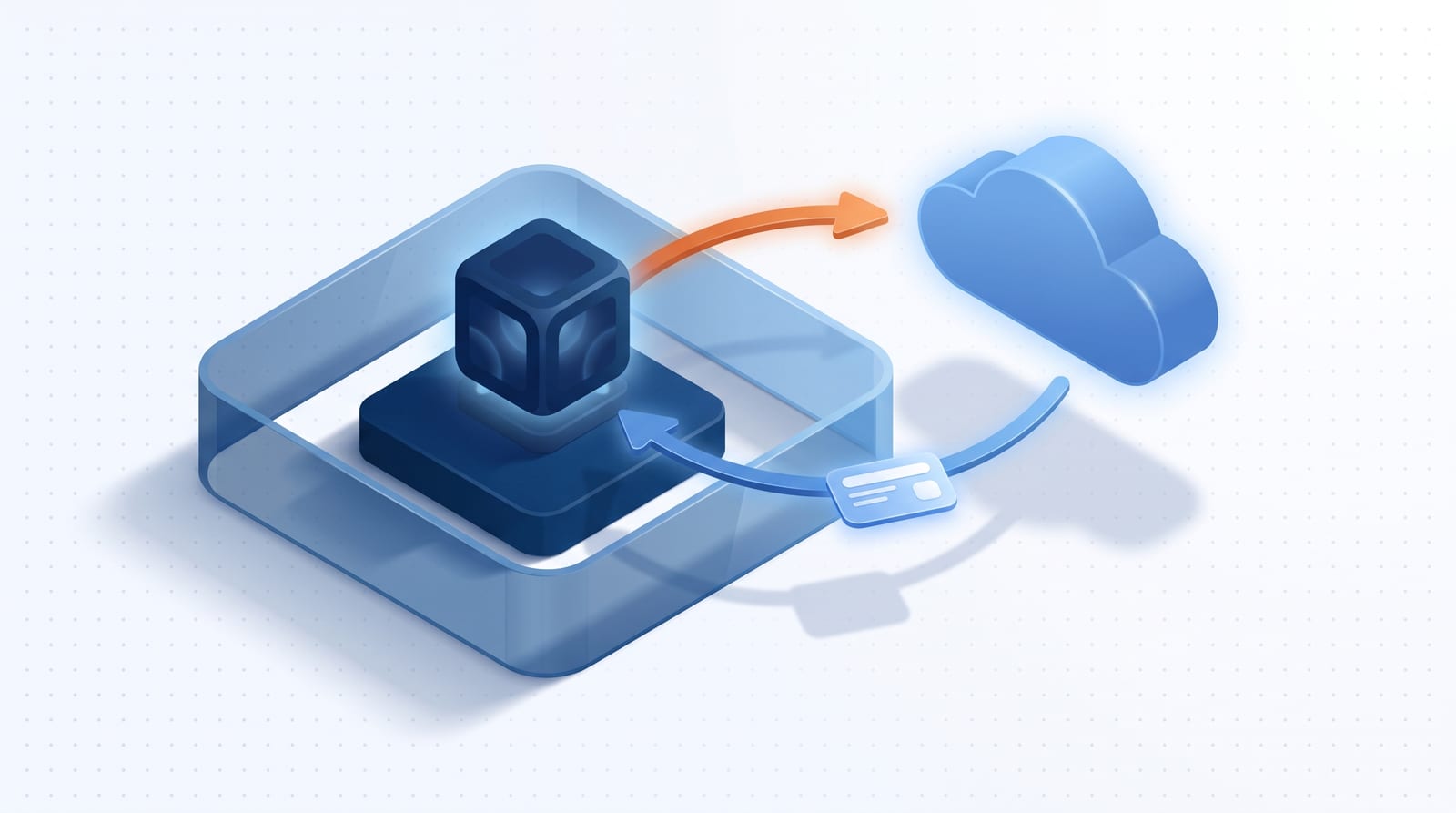
This fits a common infrastructure constraint: exposing the database or the Service Layer outside the network is a difficult conversation with IT, and not always necessary. An agent installed in the authorized environment initiates outbound connections, receives tasks, executes them through the supported interface and returns receipts.
There's still network, certificate, update and monitoring work for the agent. What goes away is the need to open an inbound port.
Two deployment restrictions are documented and decide where the component can live: remote installation of the Service Layer isn't supported, and the service runs on Apache HTTP Server, in integrated mode or distributed with a load balancer.
Posting is not approving, and approving is not paying
This separation is usually treated as a detail until the first incident. Checking an invoice's tax status doesn't attest that the goods arrived, that it matches the order, or that payment is authorized.
Two rules follow from the design. The application queries the registered payment terms and prepares a proposed due-date schedule, and doesn't replace bank details with data extracted from the document. And automatic extraction, including by a language model, goes as far as matching: payment authorization stays outside, with its own permission, authority level and trail.
The security reason is concrete: the NF-e layout has an additional information field that accepts up to 5,000 characters filled in by the issuer, and it travels inside the signed file. The signature proves who wrote it, not that the content is harmless. Document content is data, never a system instruction.
This is not an SAP problem
Change the ERP's name and the structure of the problem stays the same: the supported interface, the vendor's support policy and the business object's name change. What doesn't change is the sequence that separates a project that goes into production from one that turns into a scope dispute.
- Find out which interface is supported in the installed version and patch, not in the product's latest version
- Ask for a raw response from the interface, with real staging data, before estimating a timeline
- Run a small trial independent of capture: read master data, prepare an allowed document, check the reference and reversal
- Separate what is blocked by the vendor from what is merely unsupported, and record the difference in writing
- Treat a timeout after a write as mandatory reconciliation, never as a resend
None of the five steps depends on which ERP is on the other side, and that's why they survive a change of vendor.
If the trial fails because of license, network or localization, the problem is with the ERP integration, not the tax API. Finding that out in the first week costs a conversation; in the third month, it costs the schedule.
Frequently asked questions
The SDK documentation doesn't block it, and that's exactly the problem. It says write operations are acceptable only on user tables, classifies writing to system tables as a high risk of data corruption, states it won't be supported and ends with 'Use at your own risk.' It's not a technical barrier, it's a waiver of support.
It runs on both. Support for Microsoft SQL Server is recorded in the Service Layer manual's history starting with Business One 10.0 PL01. Note that feature parity didn't all arrive in PL01: part of it came in PL02.
Yes, and it's called SAP Document and Reporting Compliance, inbound invoicing option for Brazil, with a dedicated DF-e Distribution job. That product's scenario and integration pages list only SAP S/4HANA and SAP ERP as source systems. Business One doesn't appear on them.
The DI API is a COM-based object interface, running on Windows, with runtime and version dependencies. The Service Layer is an HTTP API over OData, with equivalent business objects, and it's the most natural path for integration done from outside the server. The two share most of the metadata.
It doesn't keep a user transaction across requests, doesn't support direct SQL execution through the recordset object, doesn't support XML import and export, and newly created user-defined objects only become accessible after the service is restarted. Remote installation of the Service Layer is also not supported. The Service Layer's flexible SQL query, available since FP 2011, is a different thing.
The pattern applies to any ERP. The interface name and the vendor's support policy change. What doesn't change is the sequence: find out which interface is supported in your version, prove a small posting in a staging database and only then promise a deadline.
Sources and method
This article is based on a direct reading of SAP's public documentation on the help portal, done on September 8, 2026. The primary sources are the SAP Business One 10.0 Service Layer API reference; the "Working with SAP Business One Service Layer" manual, version 1.29 of July 27, 2026; the SDK documentation, Recordset object; the "Localization for Brazil" deliverable for Business One 10.0; and the supported business scenario and integration pages of SAP Document and Reporting Compliance, inbound invoicing option for Brazil. The most recent Feature Package referenced on these pages is 10.0 2608.
No environment was installed or tested for this article, and no partner add-on was evaluated. The text describes what the public documentation consulted contains, and where it is silent this is stated in the body, with the reason.