Índice do artigofaltam 9 min de leitura
The account shows as connected, the token is valid, the contract is paid and no message reaches the customer. Four green indicators and a dead channel.
Every official WhatsApp operation goes through this at least once, and the cost is rarely the time to fix it. It is the time until someone notices. While the dashboard shows green, nobody investigates, and the operation finds out from the customer who complains, days later, that nobody replied.
The problem is that the most visible indicators are not the ones that answer the right question. This article separates the failure modes that look like everything is fine, shows which check really answers in each case, and closes with the minimum dashboard that turns this into an alert instead of a discovery.
The facts come from the full public documentation of Zernio, an external Spanish company founded in 2025 with no corporate ties to X-Apps, checked against the literal text of the source, and, for messaging limits and template pausing, from Meta's developer documentation, reviewed on November 11, 2026. Most of the behaviors described belong to Meta and apply to any official path.
Article summary
- A valid token is not a sign of life. Meta can refuse to serve the number with a perfectly good credential.
- The most common permission error is not about permissions: it is a two-step verification PIN on the number, and the account still shows as connected.
- Without a valid payment method in the Meta account, delivery stops, and an up-to-date contract with the vendor changes nothing.
- The messaging limit belongs to the business portfolio, not the number. A new portfolio starts at 250 unique recipients in 24 hours and only goes up with business verification or qualified volume. This goes into the campaign schedule.
A valid token is not a sign of a live account
This is the mistake that underpins all the others. The token status answers whether the authorization is still good. It does not answer whether Meta still serves that number, and those two things come apart often.
The most common case: someone disconnects the platform from their own phone, in the app settings. The authorization stays intact, the dashboard stays green, and Meta simply stops serving that number's object.
The probe that really answers
There is a check that reads the number object at Meta at the exact moment of the request, and it is the only one that settles the question. It returns three states, and the difference between them is what avoids false alarms.
| Response | What it means and what to do |
|---|---|
| Connected | Meta served the channel object. The number is alive right now |
| Disconnected | Meta refused to serve it, with a specific nonexistent-object error. This is how a disconnection made from the phone shows up. Treat it as a dead channel until reconnected |
| Unknown | The live read failed for another reason, such as a timeout or a transient Meta error. It is not evidence of anything, either for or against |
Connection probe states at docs.zernio.com, checked on September 1, 2026.
Two details make this check trustworthy. Its timestamp is always that of the current request and never comes from cache, so there is no ambiguity about reading an old snapshot. And the third state exists on purpose: monitoring that treats "I could not check" as "it is down" produces a false alarm every time Meta wobbles, and repeated false alarms are how a team stops looking at the dashboard.
The two-step PIN trap
This is the failure mode that consumes the most days, because the error message points to the wrong place with conviction.
When the number has its own two-step verification PIN, connection flows register it with a default PIN. Meta rejects that registration with a specific code, and from then on every send fails with a message saying the necessary permissions are missing, while the account still shows as connected on every dashboard.
-
The number connects normally
Authorization granted, account listed, no error on any screen.
-
Meta refuses the registration on the Cloud API
The default PIN does not match the two-step PIN configured on the number. The refusal does not show up in the connection flow.
-
The failure says permissions are missing
The team reviews scopes, redoes the authorization, opens a ticket with the vendor. None of that is the problem.
-
Redo the registration with the right PIN
Just repeat the registration passing the number's six-digit PIN. It is used only in that call and is not stored.
The design lesson is short and worth writing in the runbook: when the send error talks about permissions and the account looks connected, check the two-step PIN before touching any scope. It is the first hypothesis, not the last.
Without a card at Meta, delivery stops
The bill for an official WhatsApp arrives in two places, and that is what produces the most baffling failure mode for whoever manages the contract.
The vendor charges for the infrastructure: the dedicated number and the carrier leg of calls. Meta charges for template delivery directly to the company's WhatsApp account, on the payment method registered there. They are separate invoices, in separate places, and often with separate owners inside the company.
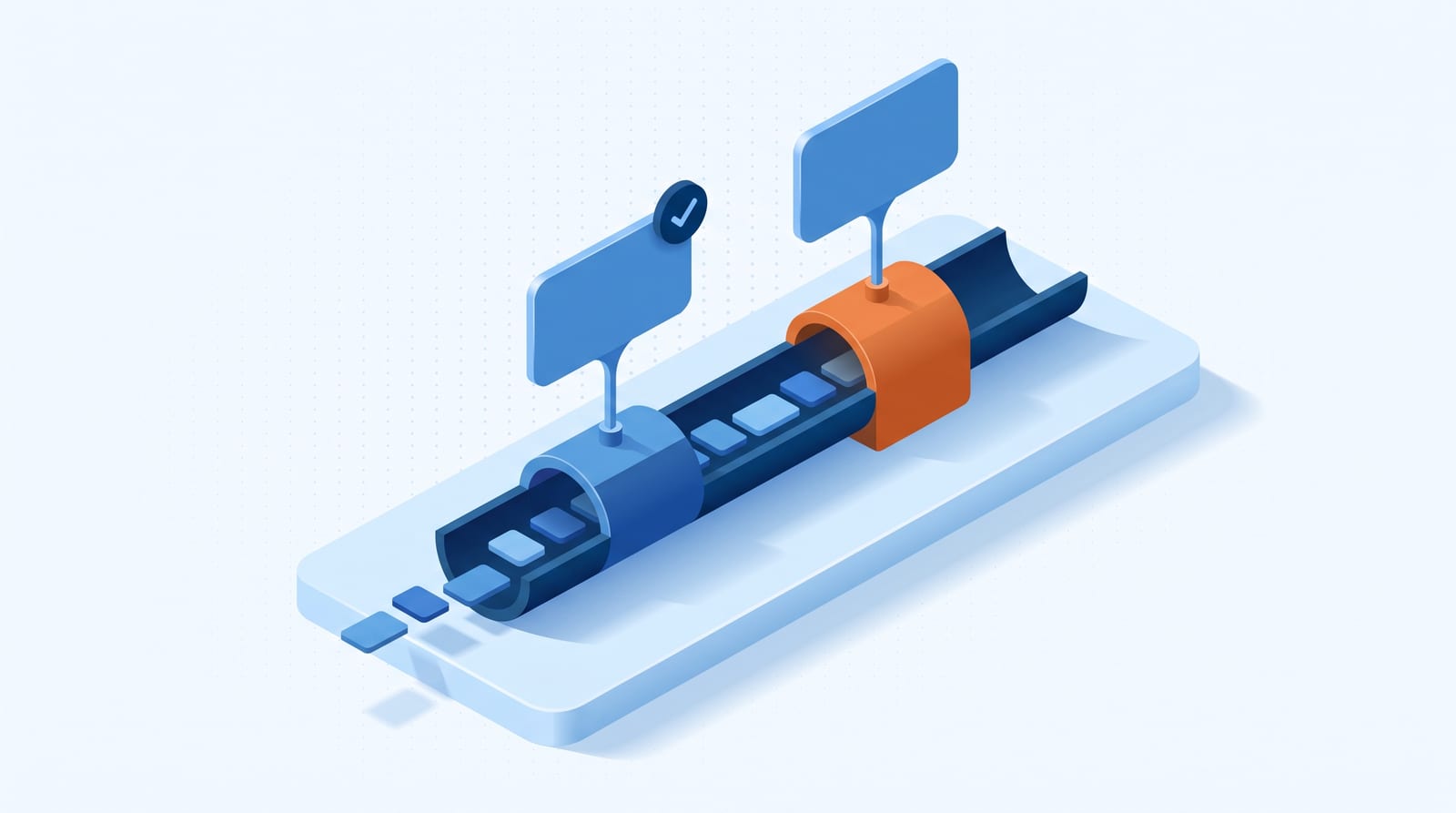
The warning is in the documentation itself: without a valid payment method on the WhatsApp account, Meta blocks delivery as soon as the free allowance runs out, regardless of the account's status with the vendor.
In practice this means the operation can stop with the platform contract strictly up to date, and the tech team will look for the defect in the wrong place, because the dashboard it controls is flawless.
This item goes into the rollout as a named task, with an owner on the client side, and comes back in the monthly check. It is not an engineering matter, and that is precisely why nobody checks it.
Paused template: Meta switches off the channel for quality
An approved template does not stay approved forever. Meta can pause its delivery due to recurring negative feedback from recipients or a low read rate, and a paused template cannot be sent. It can also disable it for good.
| Status | What it means for the operation |
|---|---|
| In review | Awaiting Meta's verdict, within up to 24 hours |
| Approved | The only status that allows sending |
| Rejected | Fix the content and resubmit, or appeal |
| In appeal | The rejection is being reassessed |
| Paused | Meta suspended delivery due to recurring negative feedback or a low read rate. Does not send |
| Disabled | Meta disabled it. No longer sends |
| Pending deletion | Removal requested, gone after a 24-hour grace period |
Template statuses checked at docs.zernio.com on September 1, 2026. The statuses are Meta's, passed through as is.
Two operational consequences come out of this table. The first is that the quality of what you send has a direct effect on the channel's availability, not just on reputation: sending too much to people who do not want it takes the message offline. The second is that you do not need to keep querying the list of templates to know this, because there is an automatic notification that reaches the system with each status change, including the reason when there is a rejection.
There is a lock worth noting that bites at the wrong moment: deleting a template blocks its name for 30 days. If the ERP sends by calling the template by name, deleting it by mistake takes that communication offline for a whole month.
Outside the 24-hour window, almost nothing goes out
Many failures that look like defects are the rule working. Outside the 24 hours since the customer's last message, only approved templates go out. And every interactive message, from buttons to catalogs, is a session message: it only works inside the window.
This produces a characteristic symptom that confuses whoever is debugging: the same content works for some customers and fails for others, in the same campaign, in the same minute. The variable is not the content or the number, it is the time since each recipient's last message.
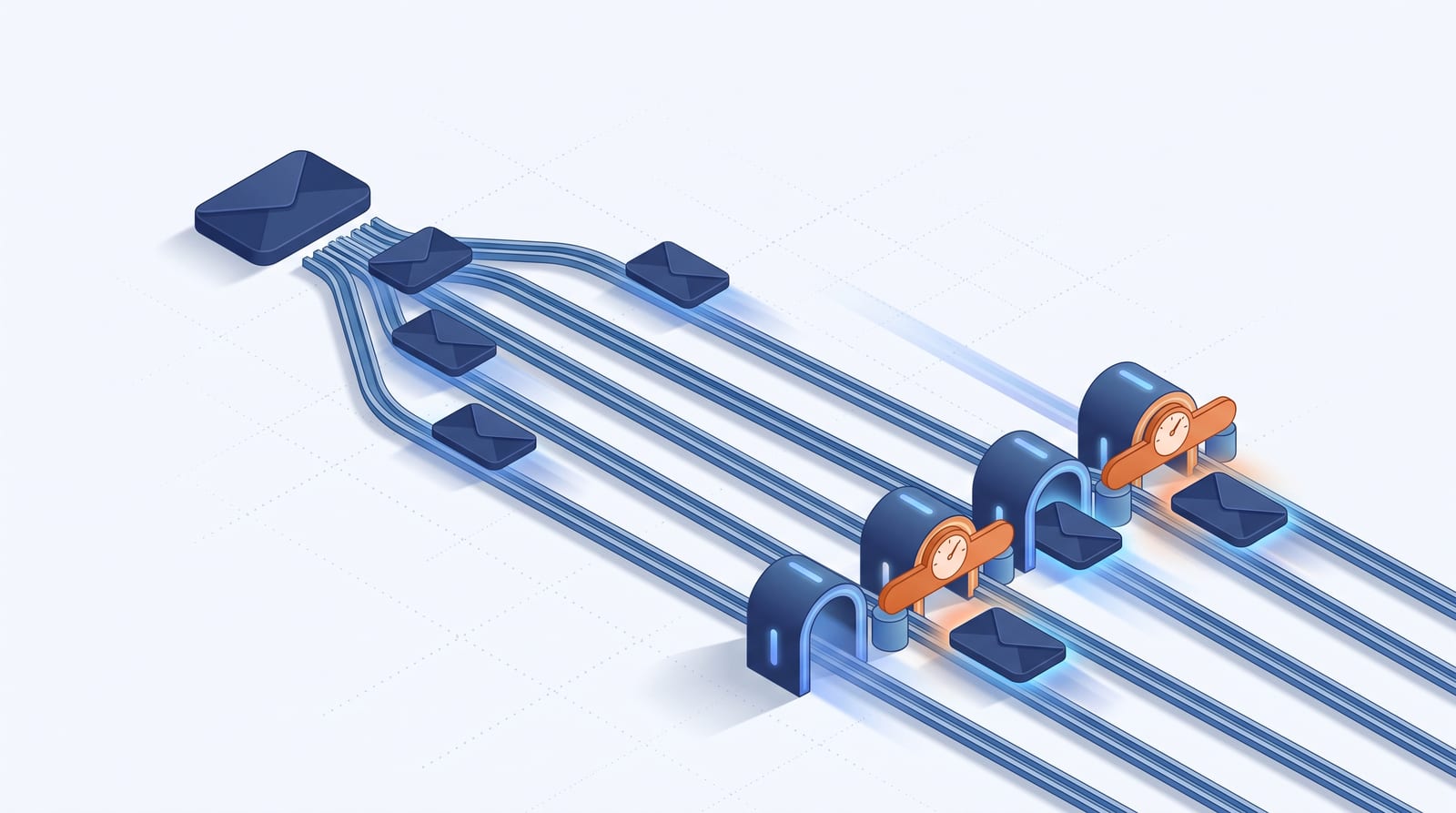
The symptom is misleading because it looks like platform intermittency: same content, same number, same minute, and different results per recipient.
The variable is not in the sending, it is in the clock of each conversation. Without that reading, the team looks for a defect where there is none.
A dashboard that does not separate this error from the others makes the team treat everything as "not delivered" and give up on the customer, when the right action was a different one: reopen the window with a template, and only then send what you wanted to send.
The ramp that looks like a block
Meta's messaging limit counts how many unique recipients the business reaches outside the customer service window, in a rolling 24-hour period. The detail that changes the diagnosis: it is calculated at the business portfolio level and shared by all numbers in that portfolio. It is not a per-number limit.
Three readings follow from this, and each calls for a different action:
- Newly created portfolio. It starts at 250 unique recipients in 24 hours. That cap does not go up on its own: to reach 2,000 you need to verify the business, ask the partner who built the integration to request verification, or deliver 2,000 messages outside the window, to unique recipients, in 30 days, with high-quality templates. After that, Meta reviews the quality of the messages and approves or denies.
- Portfolio above 2,000. Here the increase is automatic, one level at a time (10,000, 100,000, unlimited), when messages have high quality and the business has used at least half of its current limit in the last seven days. A new number in that portfolio inherits the existing limit, so "new number" does not explain stuck sending.
- One number exhausting everyone's quota. Since the quota belongs to the portfolio, a campaign fired from one number can consume the entire capacity and block sending from the other numbers in the same period. The symptom shows up on the number that did nothing different.
The current limit appears in WhatsApp Manager, under Account tools, Messaging limits, and via the API in the whatsapp_business_manager_messaging_limit field. The old field, messaging_limit_tier, is deprecated, and any monitoring that still reads it deserves review.
Messaging limit and template review checked in Meta's developer documentation (messaging limits and templates pages) on November 11, 2026. Name lock and 24-hour window checked at docs.zernio.com on September 1, 2026. All are Meta rules.
There is no defect to fix here, and that is why the ramp appears on this list: it is mistaken for a failure and generates tickets. The right answer is about scheduling and registration, not engineering. In a new portfolio, business verification goes into the plan before the first big campaign. In a portfolio with several numbers, parallel campaigns need to fit in the same quota.
An unanswered call is not a failed call
For those who have turned on WhatsApp voice in their operation, there is a distinction that changes how you read the sales team's productivity.
The call event fires when the phone rings, before anyone answers. A call nobody picks up still emits that event and ends through the normal path, with the reason for ending recorded. Failure is reserved for a hard error before or during the connection.
The consequence: a report that counts "failed calls" by including unanswered ones is inflating a technical number with a commercial one. They are different problems, with different owners. Unanswered is a matter for the sales team; failure is a matter for infrastructure.
The minimum dashboard that avoids finding out from the customer
None of the modes above requires sophisticated monitoring. It requires monitoring the right things, and there are four.
- The live probe of the connection, account by account, in a periodic sweep, treating the unknown state as inconclusive and not as an outage
- The status of the templates the operation uses, listening to the automatic notification instead of querying the list
- The existence of a valid payment method in the Meta account, checked at rollout and at month end
- The error rate by code, separating channel failure, expired window and rejected content, because each one calls for a different action
The fourth item is the one that pays off most and is implemented least. A WhatsApp delivery error arrives with a code and a reason, not with a generic message. Whoever lumps everything into a failure counter loses exactly the information that said what to do.
Where to start
The order that works starts with the cheapest and moves up, and it is the same for those setting up the operation and for those already fighting fires.
- Replace the liveness test, if your monitoring uses token status or account cache, with the live probe.
- Write the PIN hypothesis into the runbook, as the first check when facing a permission error.
- Name an owner for the payment method in the Meta account, on the client side, with a monthly check.
- Separate errors by code on the dashboard before trying to reduce the failure rate, because without that you do not know what to reduce.
- Put the portfolio limit into the schedule of the first campaign, with business verification done beforehand, instead of explaining the cap afterwards.
None of this is expensive. What is expensive is the interval between the failure happening and someone noticing, and that interval is what the four checks above shorten.
Sources and method
The behaviors described come from Zernio's full public documentation, downloaded as full text and checked against the literal text on September 1, 2026. This includes the three states of the connection probe and the rule that its timestamp never comes from cache, the text describing the refusal due to a two-step PIN and the misleading error it produces, the template statuses, the warning about delivery being blocked for lack of a payment method at Meta and the semantics of call events.
In the review of November 11, 2026, the section on messaging limits was rewritten based on Meta's developer documentation, messaging limits page (updated by Meta on May 21, 2026). The previous version treated the limit as belonging to the number and said it went up on its own; Meta's rule defines it at the business portfolio, and moving beyond 250 depends on verification or qualified volume with review. Template statuses were checked on the templates page of the same documentation.
Zernio appears as a concrete case because it documents these failure modes in open text, which allows independent checking. It is not a purchase recommendation, and no comparison between vendors was conducted for this article.
Most of what is described is Meta's behavior and applies to any official path. The scope of this text is the documented failure modes, not their frequency: how often each one happens in production can only be answered by a pilot with counts at both ends, and X-Apps has not run a measured pilot with this vendor.
Primary sources: docs.zernio.com, full documentation (account health, WhatsApp numbers, Cloud API registration, templates, rates and call webhooks), consulted on September 1, 2026; developers.facebook.com, WhatsApp Business messaging limits and templates pages, consulted on November 11, 2026.
Frequently asked questions
With the live probe of the connection to Meta, not with the token status or the platform's dashboard. The token can be perfectly valid while Meta refuses to serve that number.
Often it is not about permissions. When the number has a two-step verification PIN and registration was done with the default PIN, Meta rejects the registration and every send starts failing with a misleading permission message, while the account still shows as connected.
By querying the probe that reads the number object at Meta at the moment of the request. It answers connected, disconnected or unknown, and the time of that check never comes from cache.
Yes. Meta charges template delivery directly to the company's WhatsApp account. Without a valid payment method there, it blocks delivery as soon as the free allowance runs out, regardless of the status of the contract with the vendor.
Meta can pause an approved template, due to recurring negative feedback from recipients or a low read rate, and a paused template cannot be sent. It can also disable it. There is an automatic notification that reports each status change.
Probably not. The limit for sending outside the customer service window belongs to Meta's business portfolio and applies to all of its numbers. A newly created portfolio starts at 250 unique recipients in 24 hours and only moves up to 2,000 after verifying the business or delivering 2,000 qualified messages in 30 days, with a review by Meta. If the portfolio already has a higher limit, the cause is something else, including another number in the same portfolio consuming the quota.
The live probe of the connection for each account, the status of the templates the operation uses, the existence of a payment method at Meta and the error rate by code, separating channel failures, window failures and content failures.